
The end of the receipt chase.
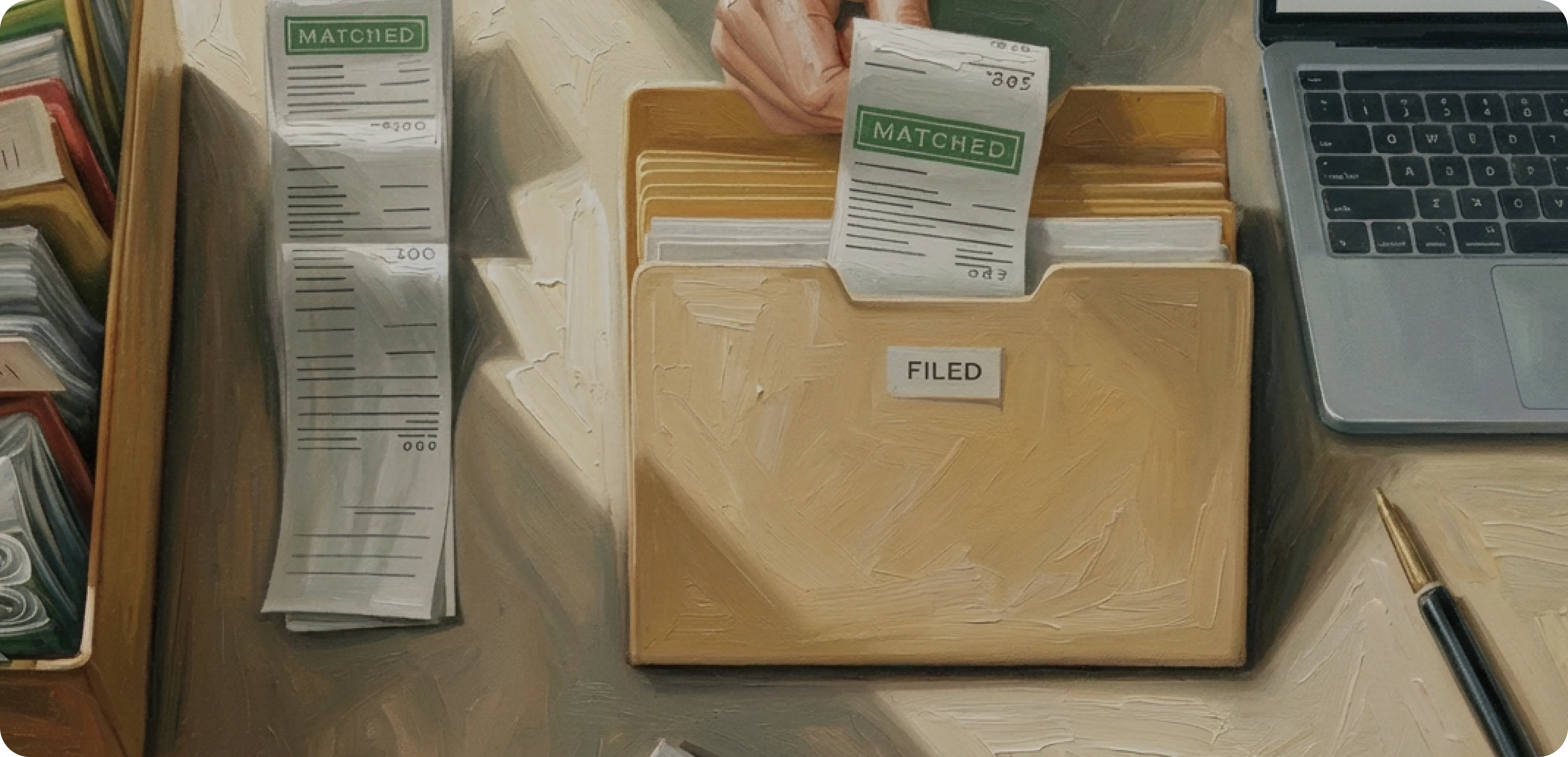
Filed. Matched. Done.
Forward receipts. Upload invoices. Attach statements. Everything lands exactly where it belongs — organized, matched, and audit-ready.
Not just storage.
A financial system of record.
Document Hub isn't another place to "put files." It's built specifically for how finance works.
Capture
Send it and forget it.
Forward an invoice from your email, snap a picture of a lunch receipt, or upload a PDF statement. Everything lands in your secure storage — organized, stored, and ready.
Analyze
AI that reads every line.
Bookist AI scans the document, extracting the vendor, date, amount, and line items. No manual data entry. No typos.
Reconcile
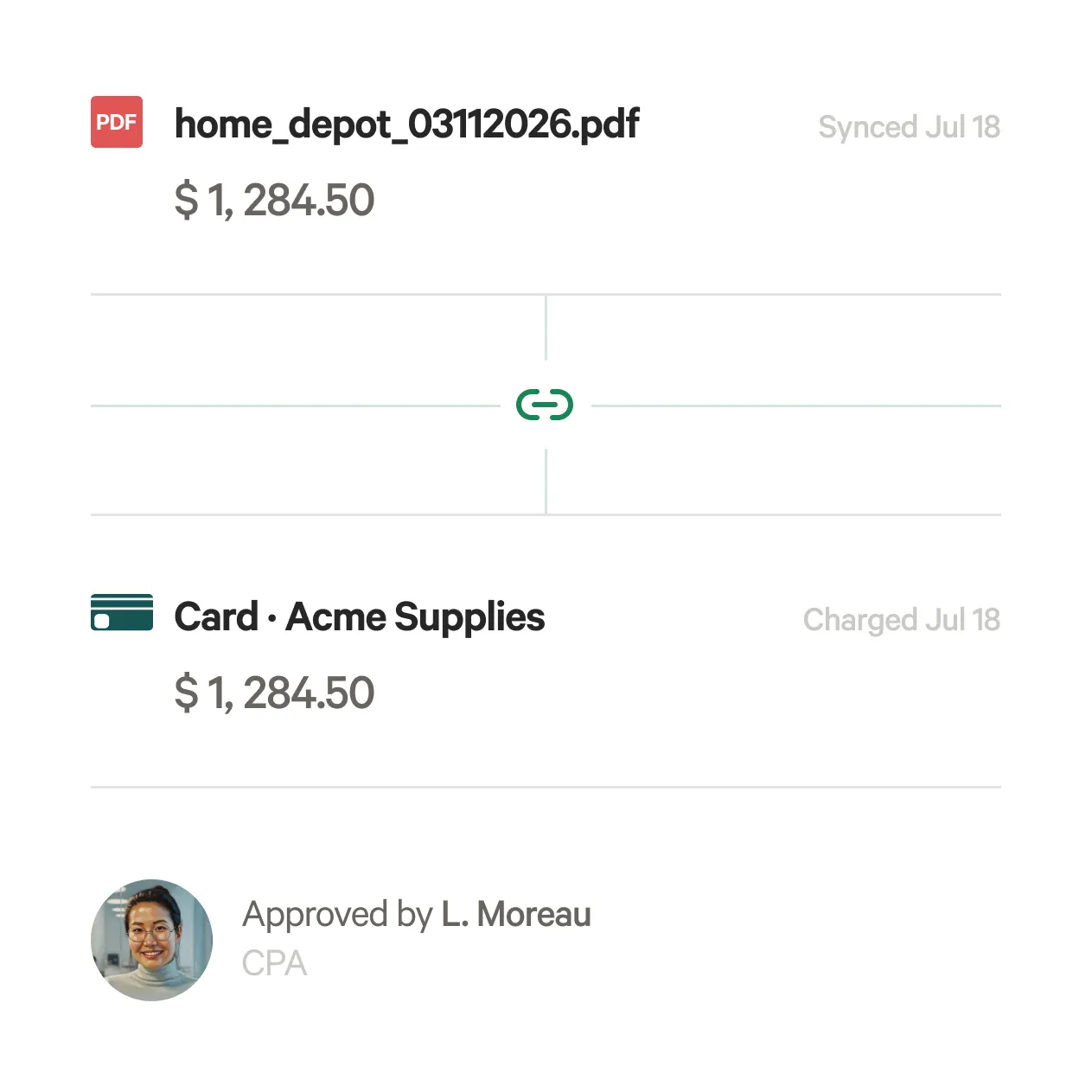
The magic match.
The Hub links the document to the corresponding transaction. Your accountant reviews the match, confirming your books are bulletproof.
Search
Google for your finance docs.
Don't remember the file name? Just search for what was inside. Type "Laptop" or "Q3 Catering" and find the exact invoice instantly.
Always prepared. Audit-ready.
Month-end close? Tax season? Audit request? Loan application?
When tax season hits — or an audit question lands — your records are already complete, labeled, and ready to hand off.

Enterprise-grade document security
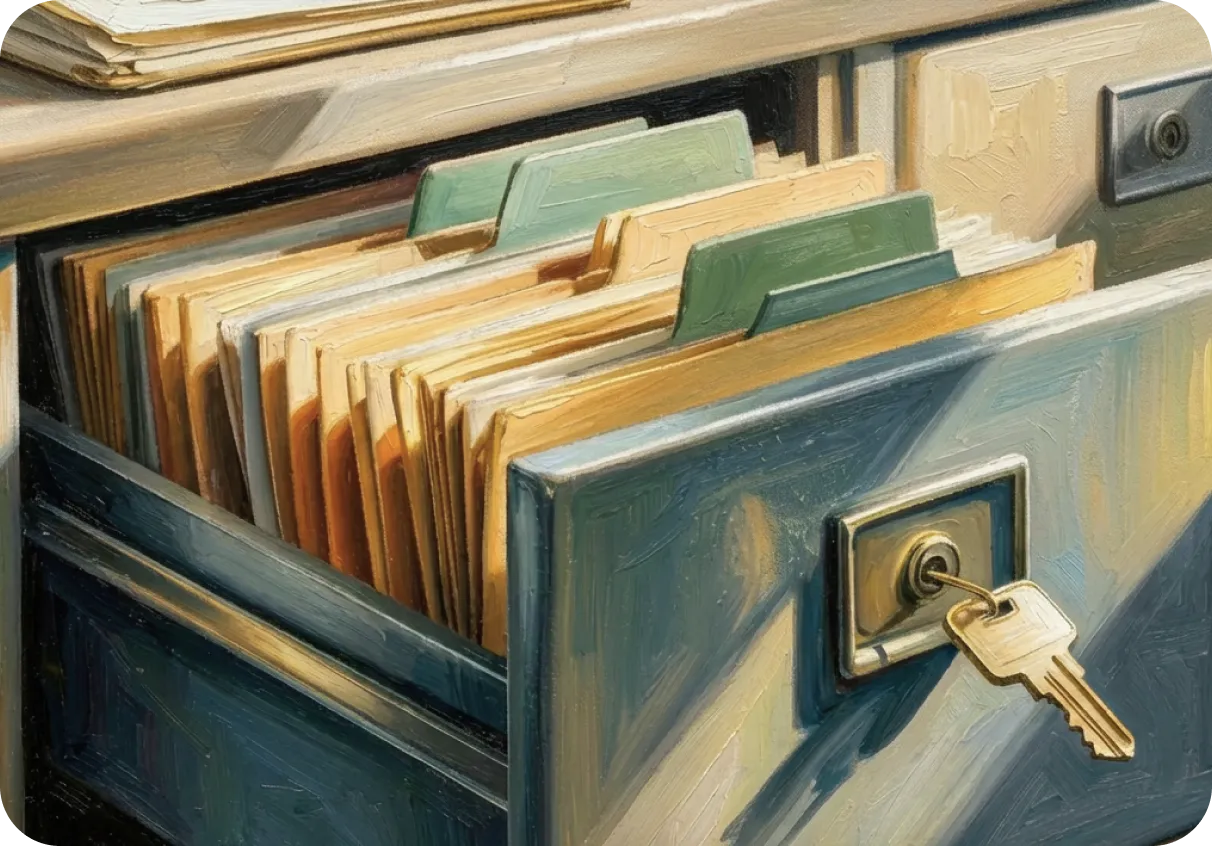
Encrypted Storage
Bank-level encryption for every document, in transit and at rest.

Automated Backups
Your documents are replicated across secure data centers. Nothing gets lost.
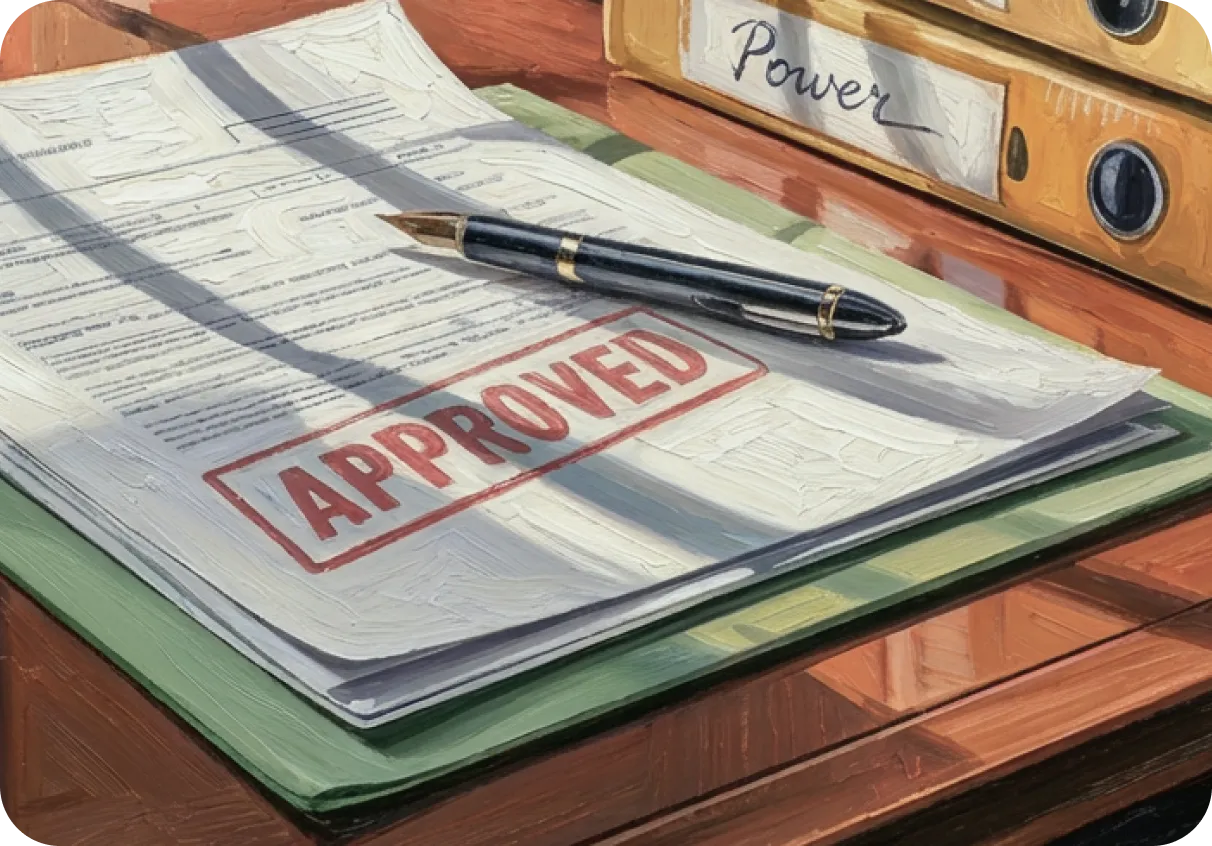
Compliance Ready
Meet tax authority requirements for document retention and accessibility.
Common Questions (FAQ)
What types of documents can I upload?
PDFs, images (JPG, PNG), and common document formats. Receipts, invoices, bank statements, contracts, W-9s, and purchase orders are all supported. If you can photograph it or save it as a PDF, Document Hub can process it.
How does the auto-matching work?
When you upload a receipt or invoice, Bookist matches it to the corresponding transaction in your books using the amount, date, and vendor name. If there's a confident match, it's linked automatically. If there's ambiguity — like two transactions from the same vendor on the same day — your finance team reviews and confirms the correct match.
How long are documents stored?
Documents are stored securely for as long as your Bookist account is active. We recommend keeping at least 7 years of records, which is the standard retention period most tax authorities require.
What if Document Hub can't read a document?
If a receipt is too blurry, a file format isn't supported, or the text can't be extracted, Bookist flags it for manual review. Your finance team can step in to enter the details manually or request a clearer copy from you. Nothing gets silently dropped.
Is there a storage limit?
No hard limit. Upload as many documents as your business generates. Document Hub is designed to scale with you — whether you're uploading 20 receipts a month or 2,000.
Can I access documents from my phone?
Yes. Document Hub is fully accessible from any device with a web browser. You can snap a photo of a receipt on-site, forward it via email, or upload it directly from your phone's camera roll.
Get organized with Bookist.
Stop chasing paper. Start building a financial history you can trust, designed to grow with your business.